Meeting notes, without the meeting bot.
Notes AI captures your Google Meet, Teams, and Zoom calls privately - no bot on the call - then turns them into summaries, decisions, and to-dos you can search later.
How it works
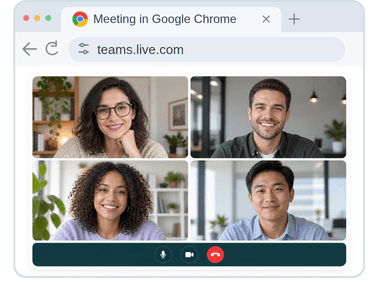
Join your call as normal
Nothing to invite, nothing to install for the other people on the call.
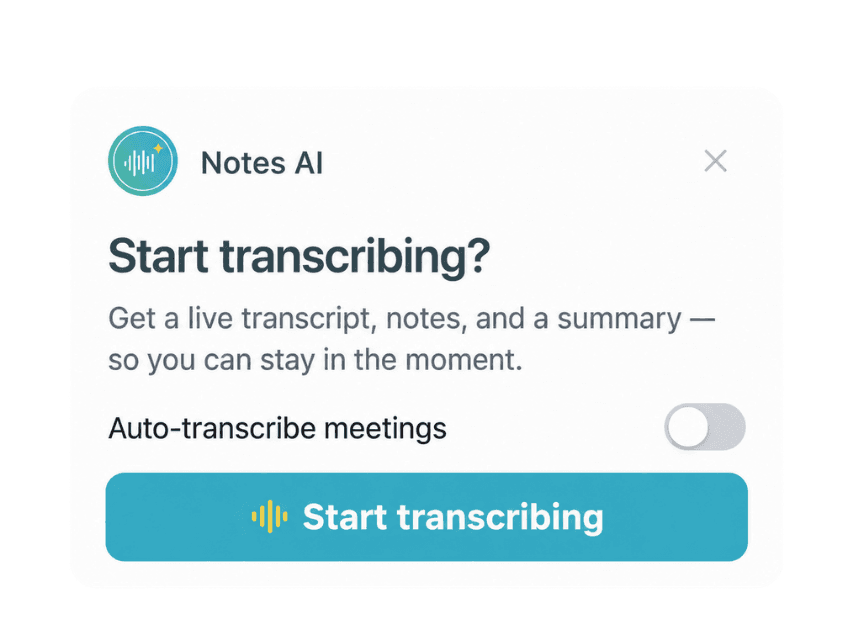
Focus on the conversation
Notes AI takes care of the note-taking, so you can stay present without worrying about missing important details.
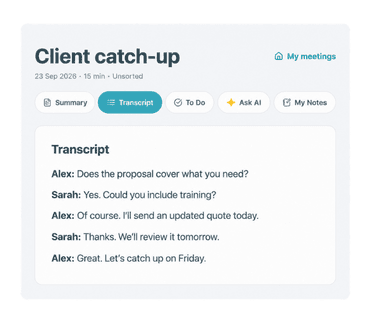
Get your notes instantly
A summary, to-dos, and a searchable transcript the moment the call ends.
What you get
Summaries & decisions
A clear summary of what was actually discussed and decided — not a wall of transcript you have to skim yourself.
To-dos
Action items pulled out automatically, so nothing agreed on a call quietly disappears.
Ask AI
Ask a question about any past meeting and get an answer cited back to the exact moment it was said.
Local-first, cloud-optional
Every meeting is captured and stored on your device first. Nothing leaves your browser until you choose to sign in and sync — and once you do, you can delete any meeting, or your entire account, at any time.
No bot on your call
Some tools join your call as a visible participant to record it. Notes AI doesn't — it reads the captions your meeting platform already shows, quietly, in the background.
Every feature. No credit card.
Start using Notes AI right away with full access to every feature. No credit card, no trial limits, no locked features.
Questions
Does a bot join my meeting?
No. Notes AI reads the live captions your meeting platform already shows — nothing joins the call as a visible participant.
Where is my data stored?
On your device by default. If you sign in, meetings sync to our database, hosted in the EU.
Is it free?
Yes. Every feature is included - no credit card and no trial clock. Enjoy the app!
What happens if I don't sign in?
The extension still works fully. Meetings are captured and organized locally in your browser; signing in adds cloud sync, AI summaries, and access from the web dashboard.
Which platforms are supported?
Google Meet, Microsoft Teams, and Zoom.
Can I delete everything?
Yes — delete a single meeting, or your entire account and all its data, anytime from your account settings.